Upgrade Tracker
Import your Clash of Clans export — the app calculates a full calendar of when each building, hero, and pet reaches each level.Import Clash of Clans data
Paste your in-game export from the clipboard. Data is stored locally on this device.Export data from Clash of ClansHow to copy your village data for the Upgrade Tracker.
- 1In your village, open Settings (gear icon) at the bottom right.
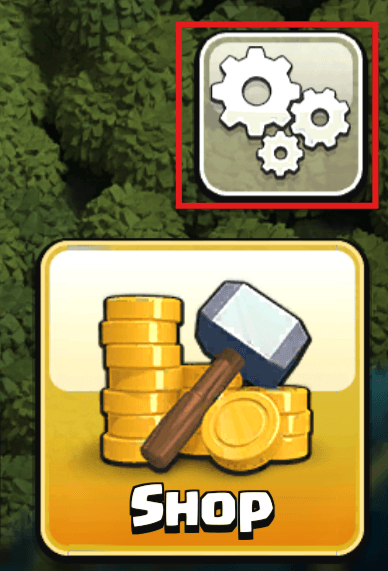
- 2Tap “More Settings” at the bottom.
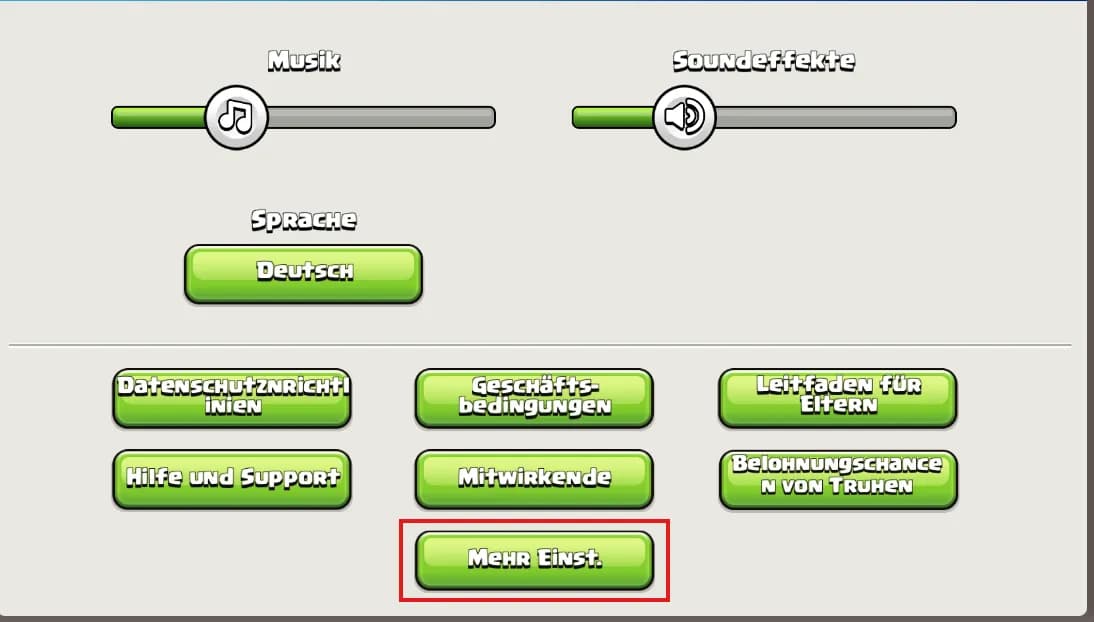
- 3Under “Data export”, tap “Copy” — the JSON is now on your clipboard.

- 4Return here and click “Paste from clipboard” or paste the JSON below.
Loading game data …
No data imported yet. Paste your export above to see the forecast.